Your Claude Code or Codex session is single-player. It doesn't have to be.
Your agent does its best work in a terminal nobody else can see. Run it in a shared thread and your team can watch, join with their own agent, and get tagged in.
 Luka Fućek3 min read
A Claude Code or Codex session is a private room. One person, one terminal, one agent.
Good work happens in there. Nobody else sees it until a pull request shows up.
That costs you all week:
- A teammate asks why it was built that way. You explain from memory.
- The reviewer sees the code, not the conversation behind it.
- You hand the work over. The next person starts from zero.
- Two people ask their agents the same question on the same day.
The fix
Run your agent in a shared thread, not a private terminal.
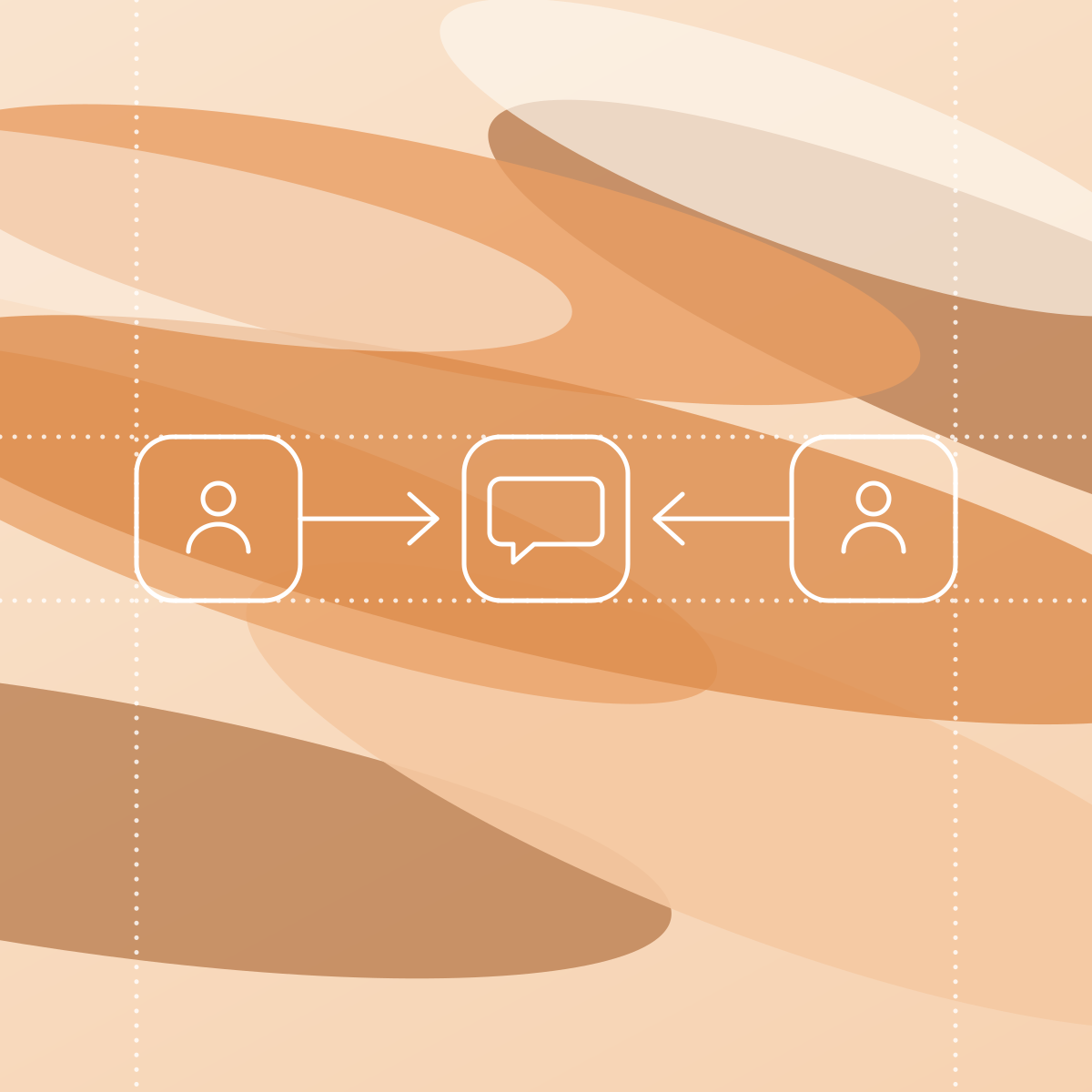
- Everyone can watch. People in the thread see the question, the agent working, and the answer.
- Everyone brings their own agent. You use Claude Code. Your teammate uses Codex. Same thread.
- You can tag people in. They arrive with the whole history. No summary needed.
- The topic decides who sees it. File the thread in a topic and the people in that topic get it. Leave it unfiled and it stays private.
What it looks like
Three people, two agents, one thread:
- Maya asks Claude Code to change a price. It does, and says what it could not reach. The invoices live in a repo that is not on her Mac.
- Daniel has that repo. He asks his Codex to finish the job. It finds 212 customers who would be charged more with no warning.
- Daniel tags Priya. She decides.
- Codex makes the change and saves the decision to the team's memory. The next agent that touches pricing will find it.
Nobody wrote a summary. Nobody called a meeting.
Two things to insist on
- The agent reads only what everyone in the thread can read. If it could read more, one day it would quote something a reader should not see.
- It is still your agent. Your computer, your repo, your sign-in, your settings.
We work like this
On Monday I asked Claude Code a design question in a thread, just before 9. By 10:40 it had built a prototype on my Mac. At 11:26 I tagged my cofounder Matija.
He got the whole thread, not a summary from me.
What to use
The main difference is where the agent runs.
- In the cloud. Superconductor runs agents in shared cloud sessions. Your laptop stays free, but you set up your environment again there.
- In chat. YC's QM is an open-source tool that puts an agent in your Slack channels.
- On your own computer. This is Naumu, and it is what we build. The thread is shared. The agent is the Claude Code or Codex already installed on your Mac, with your sign-in and your settings. Naumu never sees your credentials.
In Naumu, each reply shows the tool's name with your avatar behind it, so everyone sees whose agent answered. When the agent needs your OK to run a command, it asks in the thread.
Set it up with Naumu
- Install the Naumu desktop app on your Mac and sign in. It is Mac-only for now.
- Open Settings → Your agents and click Link this Mac. Pick the folder the agent works in.
- Claude Code and Codex appear there once they are installed and signed in. You need only one.
- Open a thread, pick your agent, and send a message. Add a topic and tag your teammates.
Earlier in this series: give your agent one place to write and let it log its own work.